XR System Apps
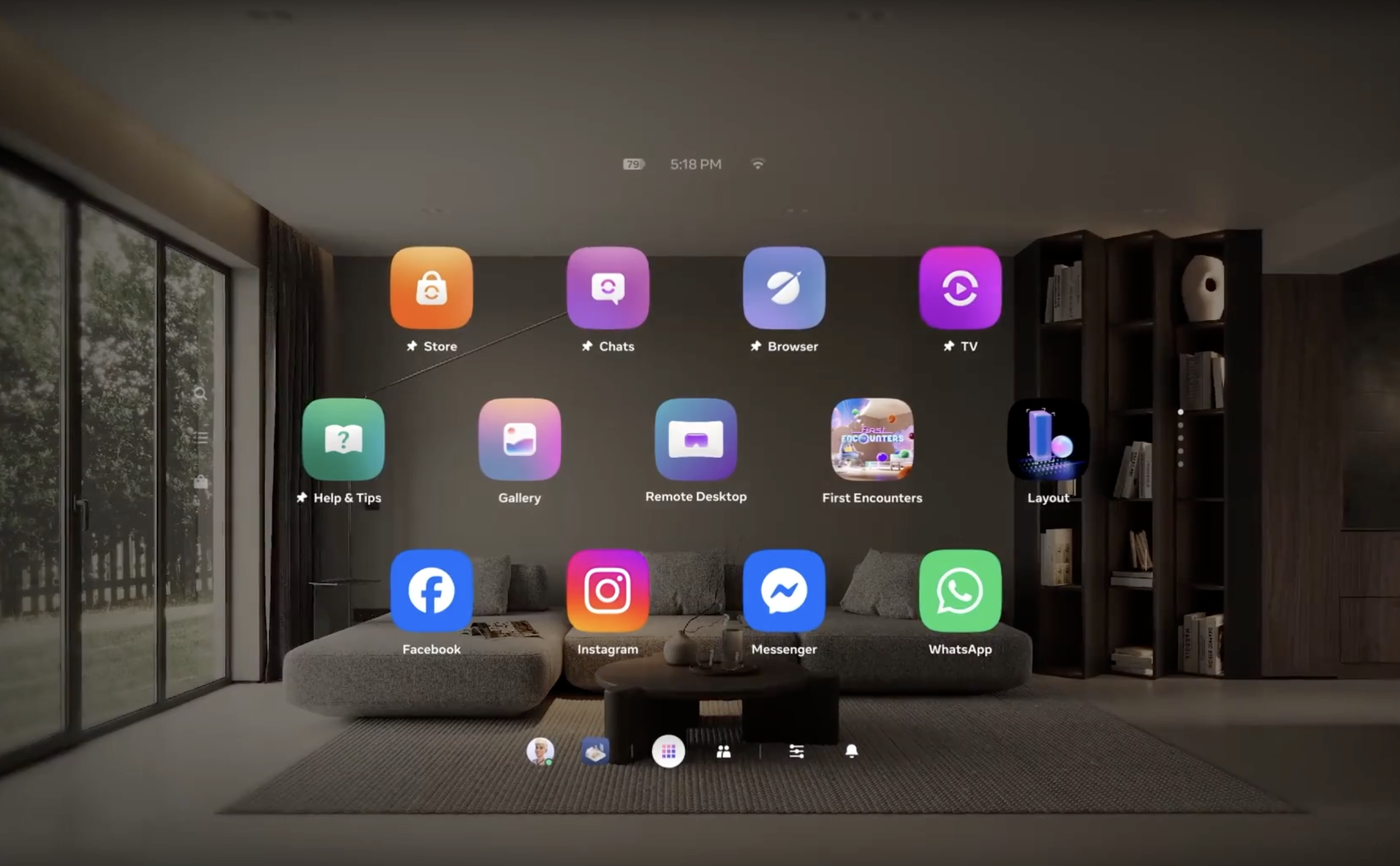
Every operating system needs a foundation: the default apps that ship built in and quietly shape how a device feels to use. On phones that foundation is mature and invisible. In XR it barely exists yet.
I'm the sole designer for three of those foundational apps on Meta Quest: Utility apps, Files, and Calendar, each one defining how a system app should behave when your inputs are your eyes, your hands, a controller, and a keyboard, sometimes all at once.
Company
Meta Reality Labs
Year
2026
XR Utility Apps
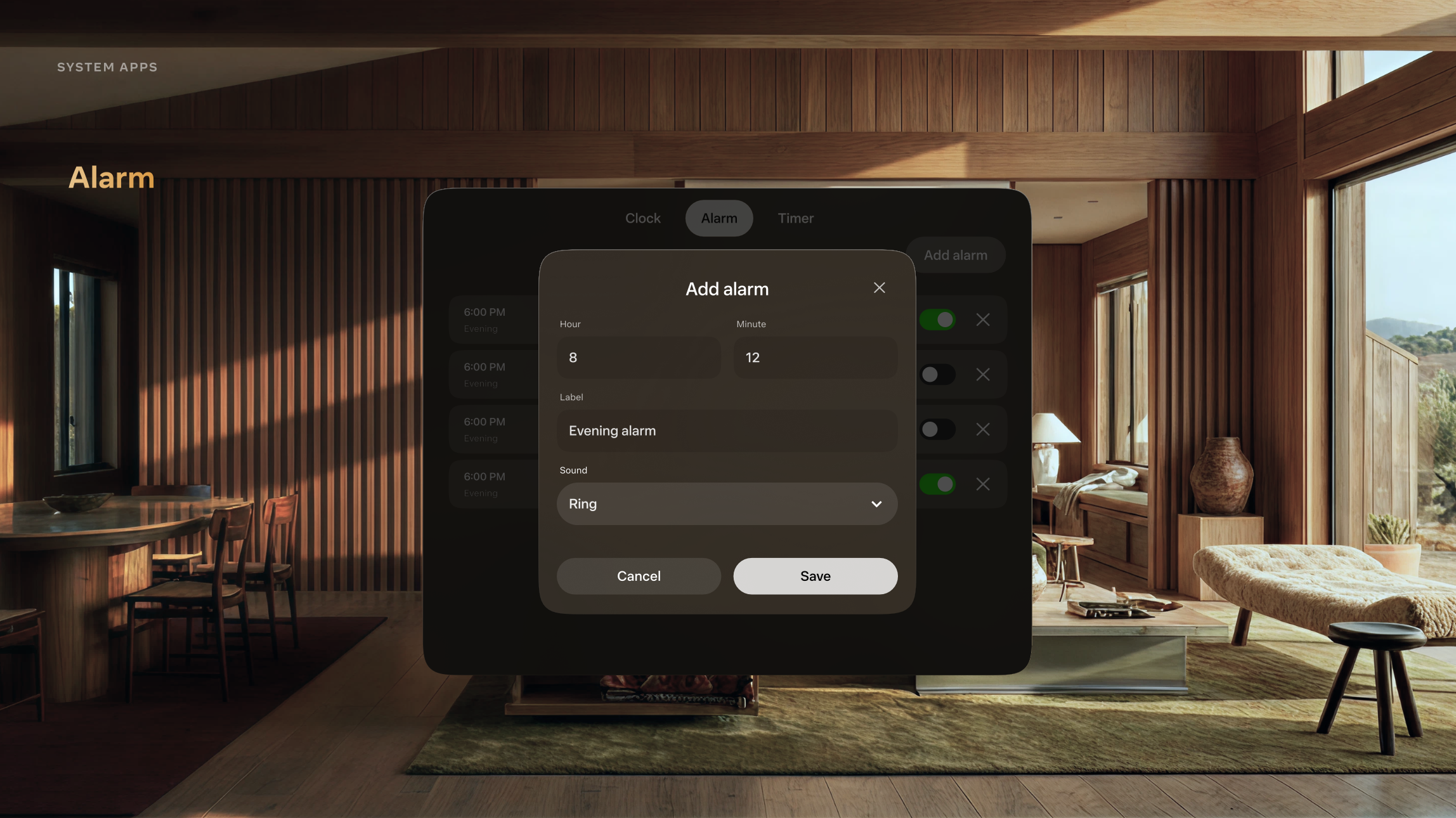
Clock is a zero-to-one utility app for Meta Quest bundling Clock, Alarm, and Timer into a single system app built for gaming and productivity use cases. With 5.4k users searching for a clock on the Quest Store and no first-party option existing, the demand signal was clear. It was later selected as a showcase app for Meta's next-generation XR design language.
I designed and shipped Clock as part of an AI-native pod, taking it from concept to running code on the headset in approximately two weeks. The process followed a closed loop: design, implement, build, verify on device, and iterate, all driven by AI tooling with no traditional engineering handoff.
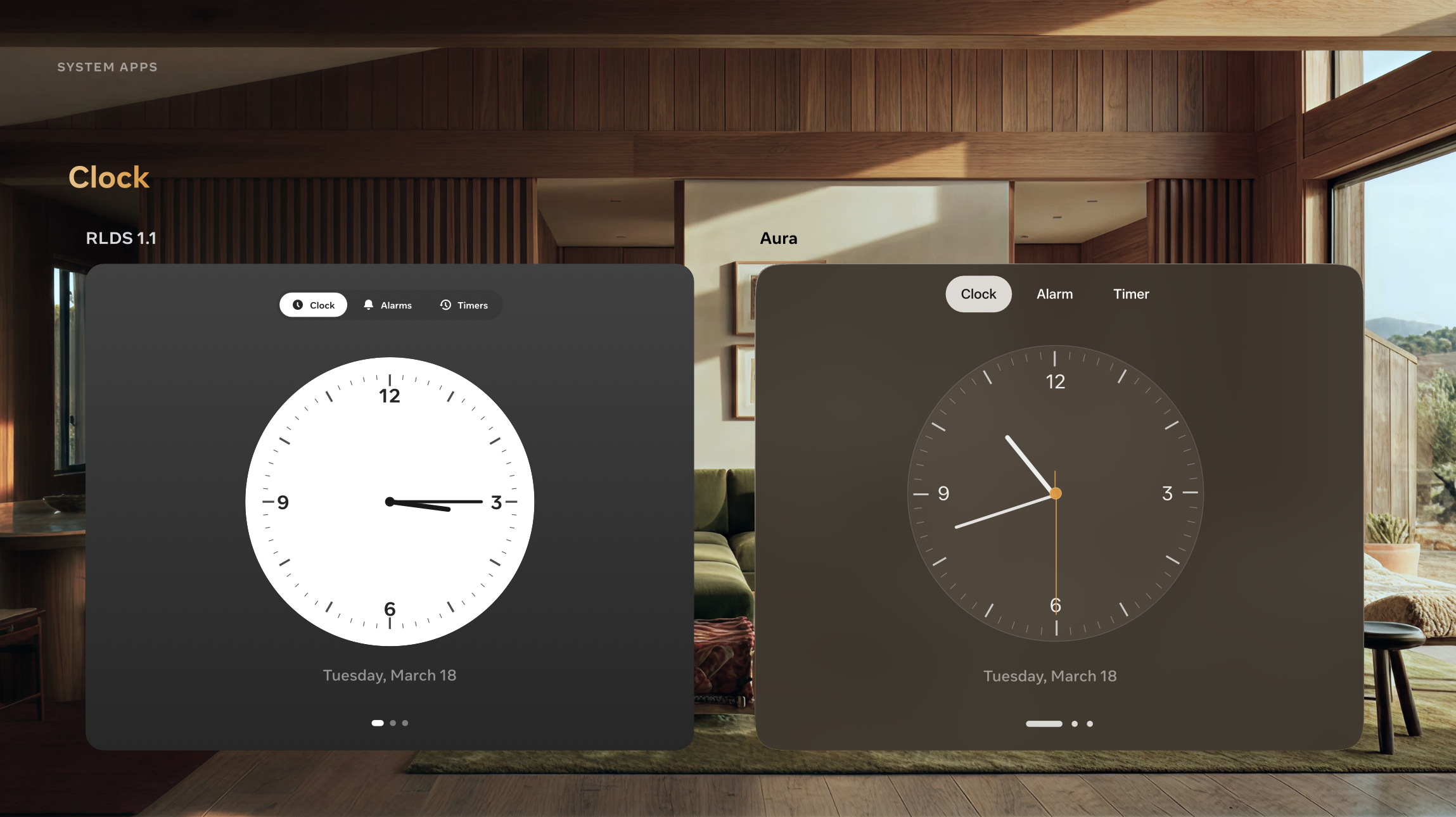
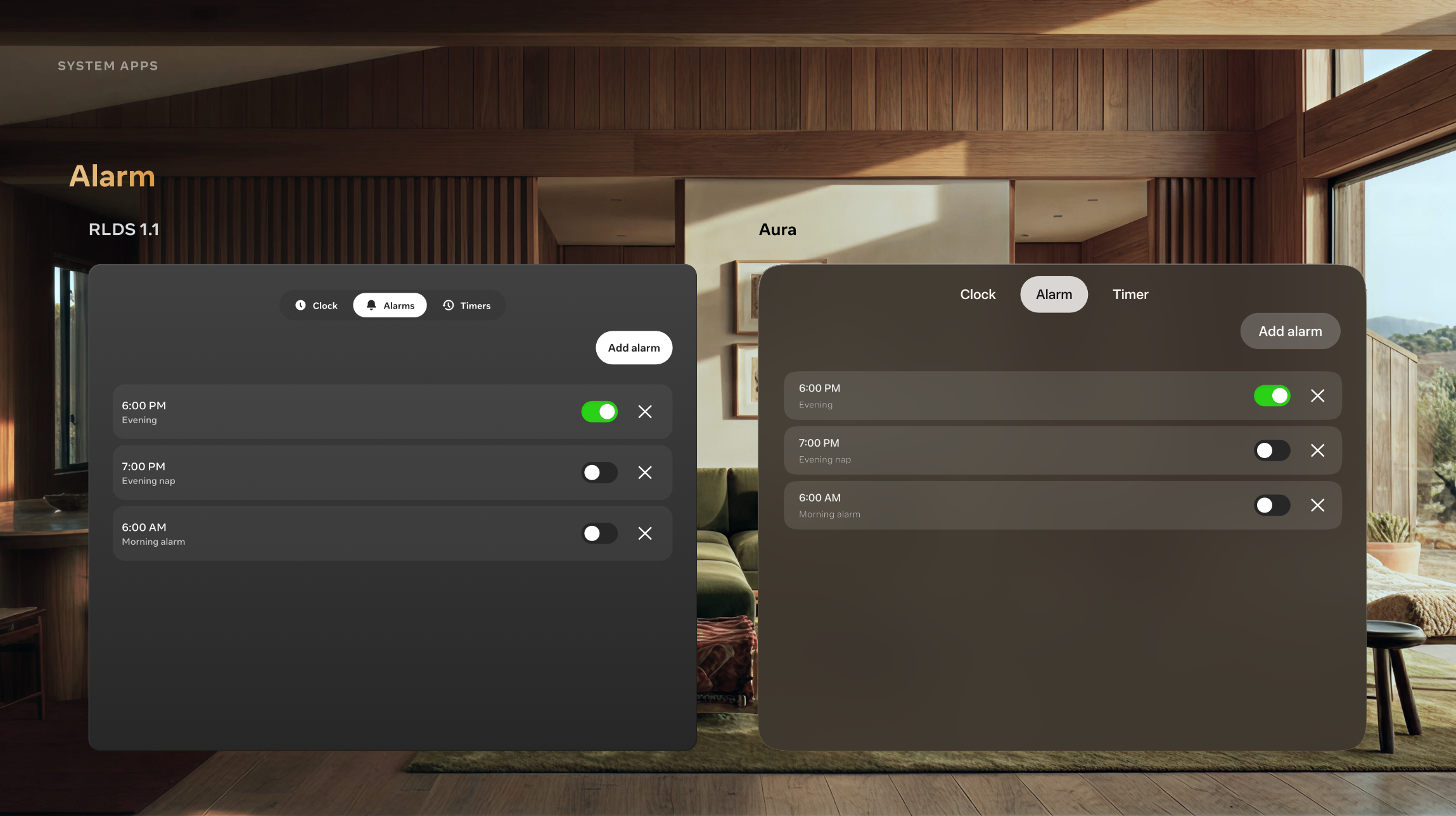
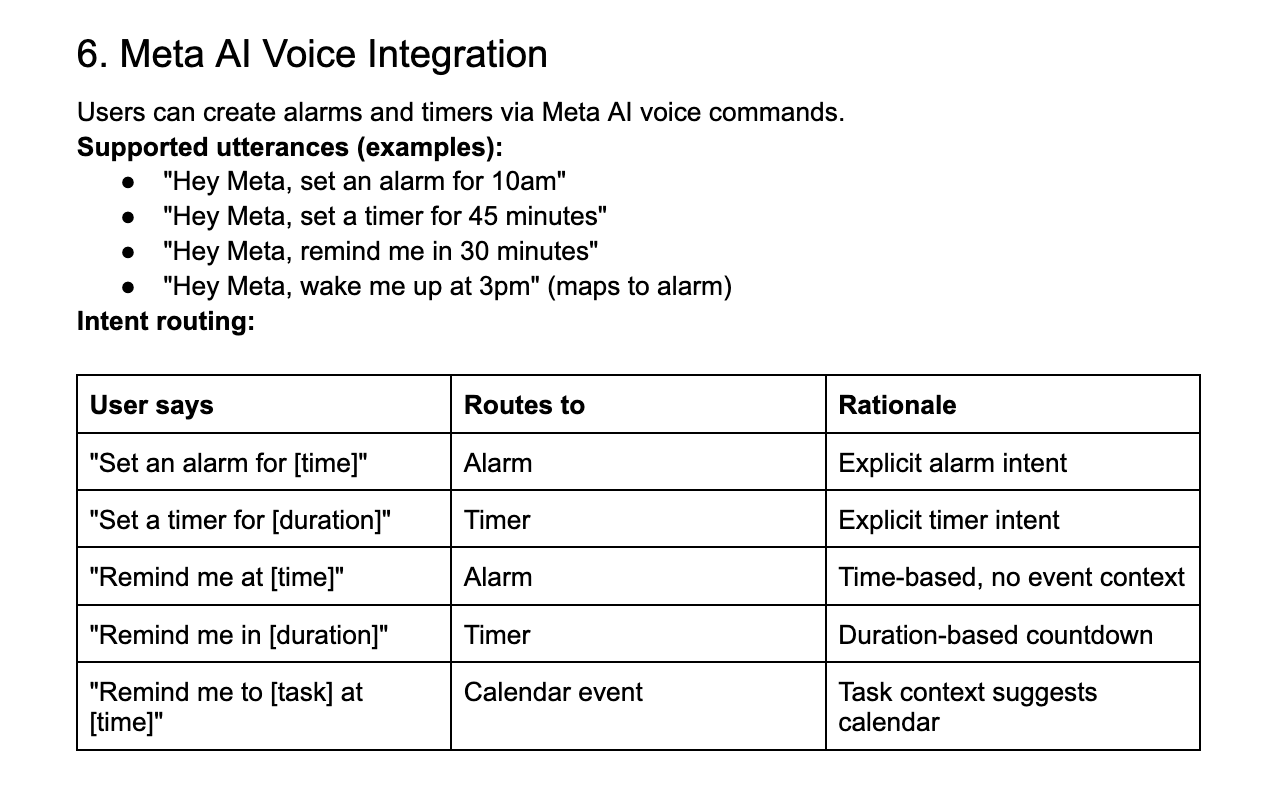
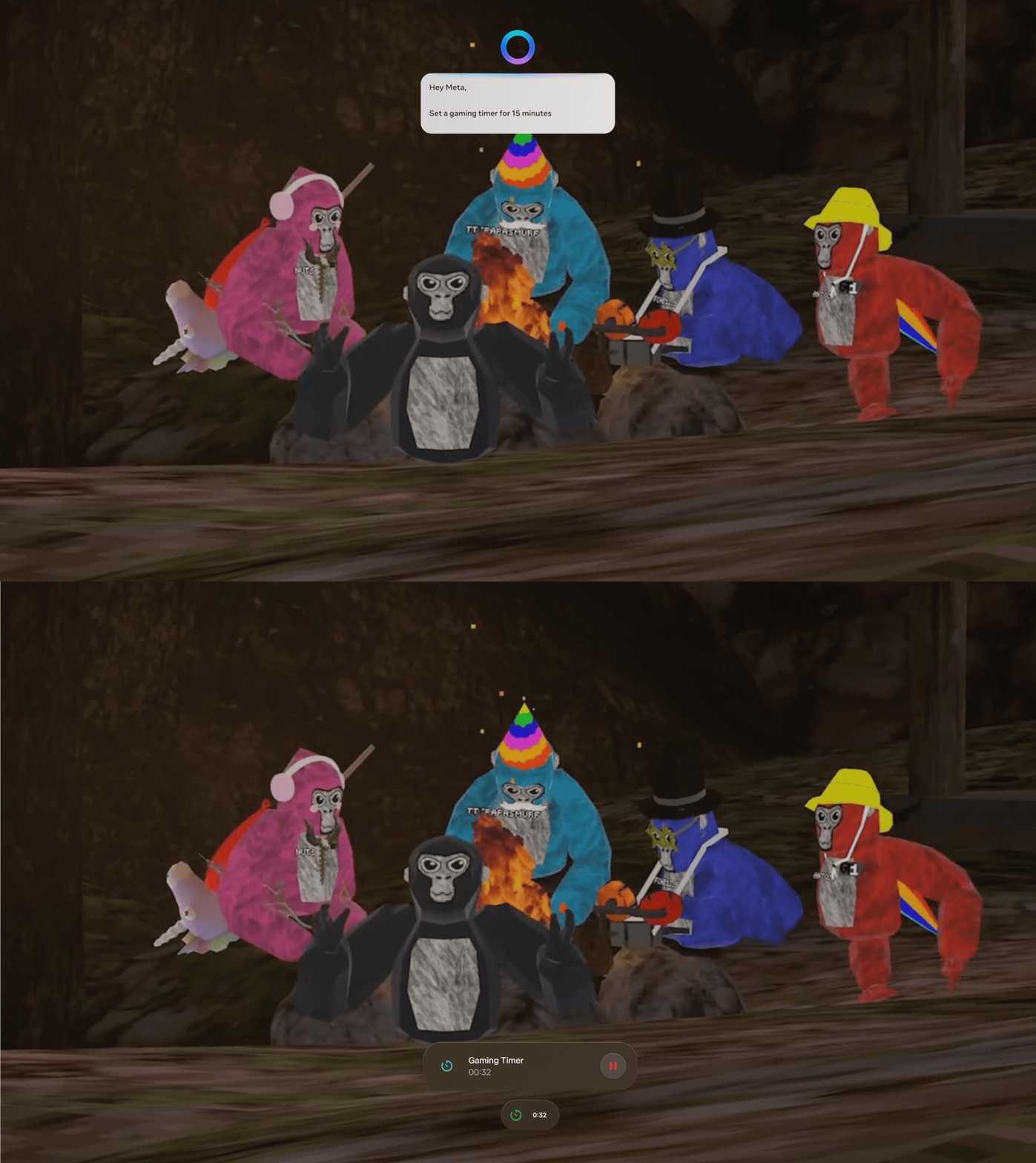
As part of the AI-native project, we designed voice command support for Clock, allowing users to set alarms and timers hands-free through Meta AI. I worked with Claude and the product team to define intent routing requirements, mapping natural language commands like "Hey Meta, set a gaming timer for 15 minutes" to the right app surface. The work required precise thinking about how language maps to intent: a user saying "remind me at a time" routes to Alarm, while "remind me in a duration" routes to Timer, distinctions that matter a lot when you are mid-game with a controller in your hand.
XR Files App
The Files app is a default system app on Meta Quest that I redesigned to introduce multi-select and drag-and-drop functionality, including the ability to drag files directly into third-party apps like WhatsApp — a first for the platform. I also designed the full input interaction model for the app, defining how selection and navigation behave across gaze, controller, keyboard, and mouse inputs. The update shipped to positive user reception and established foundational interaction patterns for file management in VR.
XR Calendar App
Calendar shipped as part of the Meta Quest v71 update alongside a broader Horizon OS redesign, and I took over the product as sole designer to continue building on its core features. The design challenge I want to highlight is gaze targeting: on a new wearable device that selects UI elements with eye tracking, overlapping calendar events in the same time slot create a precision problem that doesn't exist on any other platform. I solved it by designing a flyout that expands the selectable area when multiple events compete for the same gaze target, giving users a reliable way to select exactly what they meant.